Project Detail

ChatApp

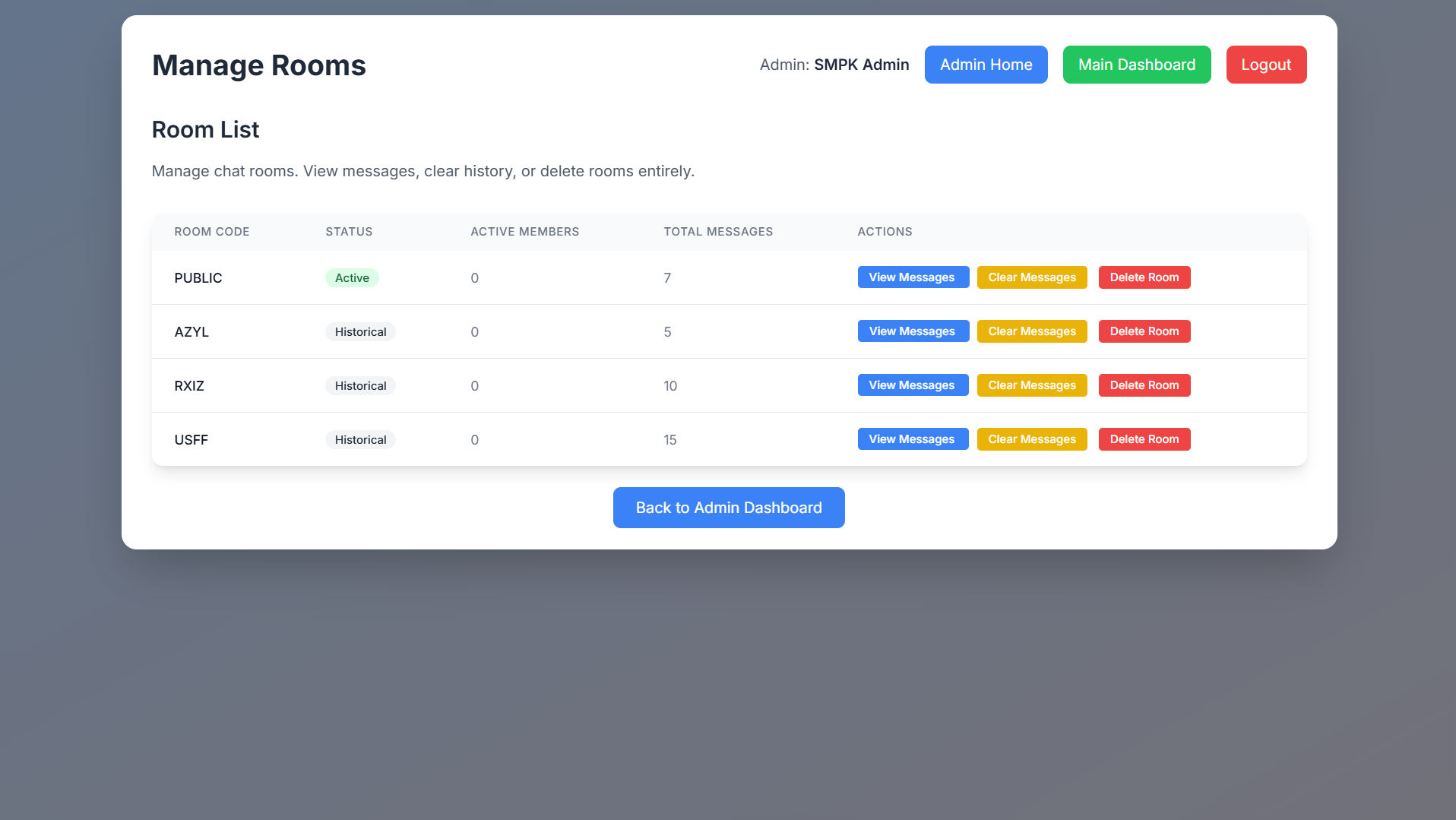
ChatApp is a real-time messaging platform built using Flask and Socket.IO. It provides instant communication between users with features like real-time message broadcasting, user identification, and automatic scrolling to the latest message. The app leverages Socket.IO to create a seamless messaging experience, ensuring that users stay up-to-date with each other's conversations. With a minimalistic design, ChatApp focuses on providing an efficient and scalable messaging solution.

ChatApp

features

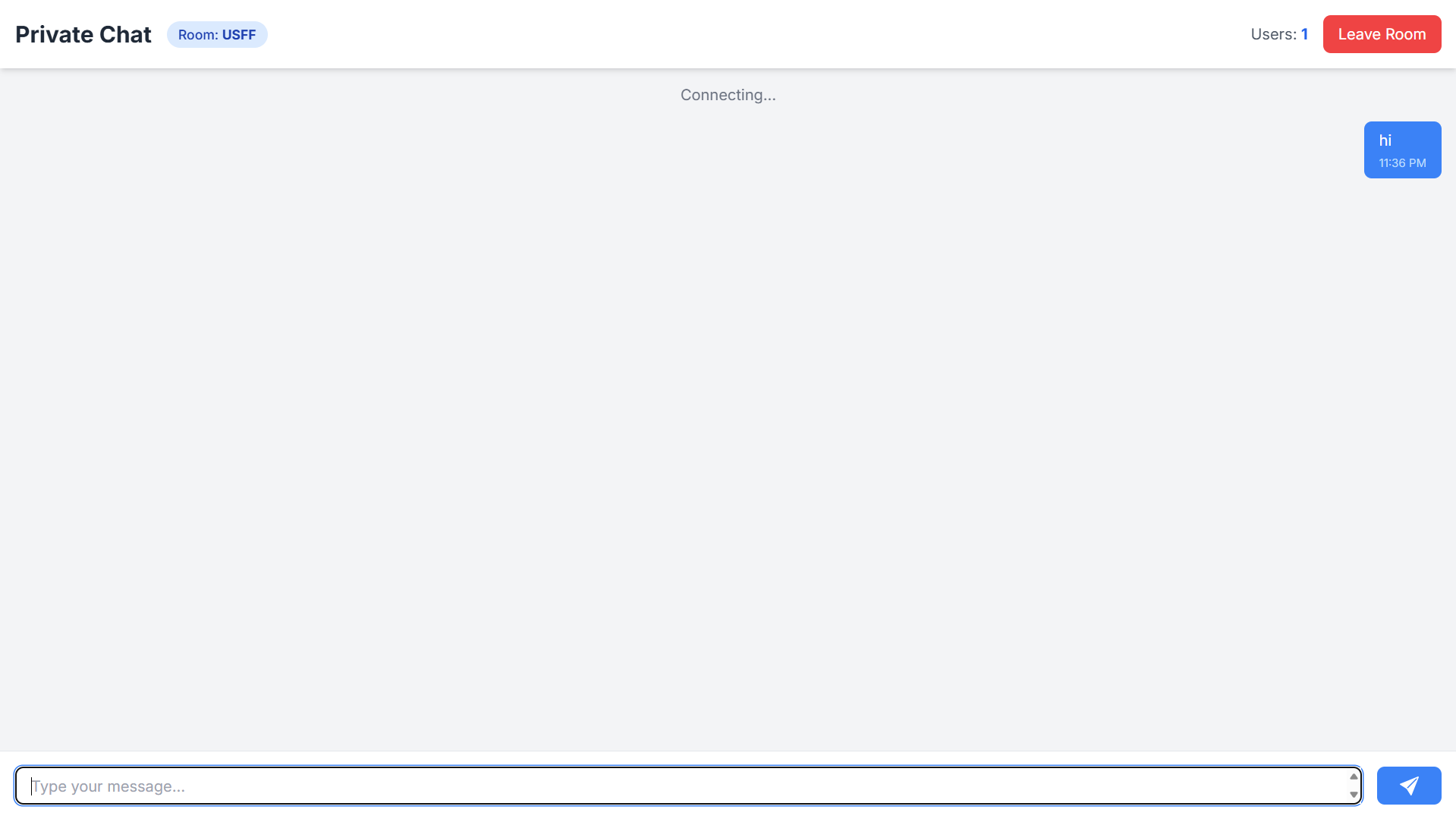
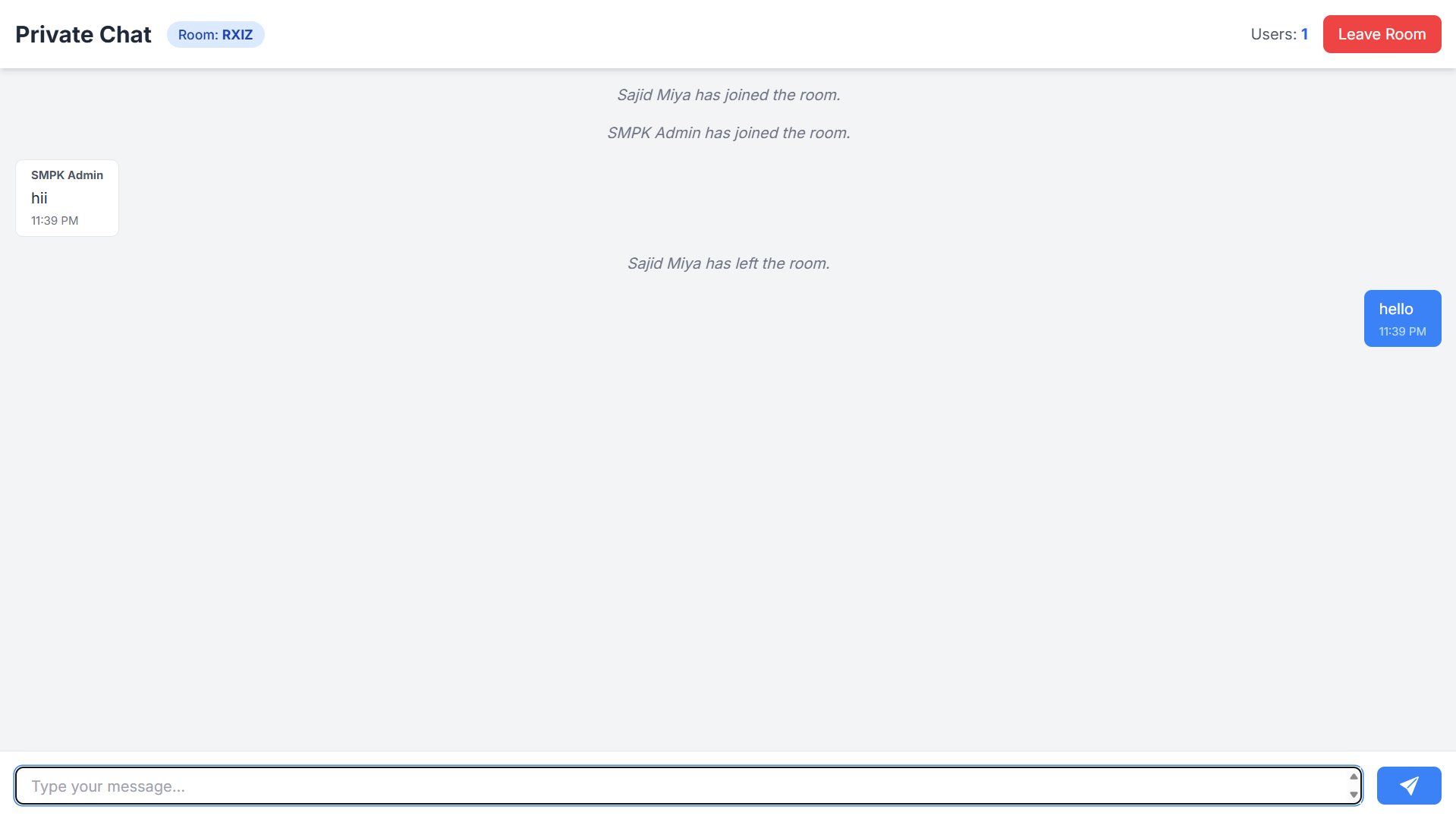
Real-time Messaging Users can send and receive messages instantly through Socket.IO.
User Identification Users can identify themselves, and their messages are tagged with their name.
Message Broadcasting Messages are emitted to all connected users, ensuring everyone is updated in real-time.
Auto-scrolling The app auto-scrolls to the most recent message for a smooth user experience.
Minimalistic Design Focuses on messaging functionality with a clean, user-friendly interface.
Scalable Built with scalability in mind, ensuring future enhancements and easier deployment.
applications

Real-time Communication A platform where users can engage in real-time messaging.
Collaborative Chat Ideal for small team collaborations or group chats.
Instant Messaging System A basic messaging system with potential for further development.

current limitations

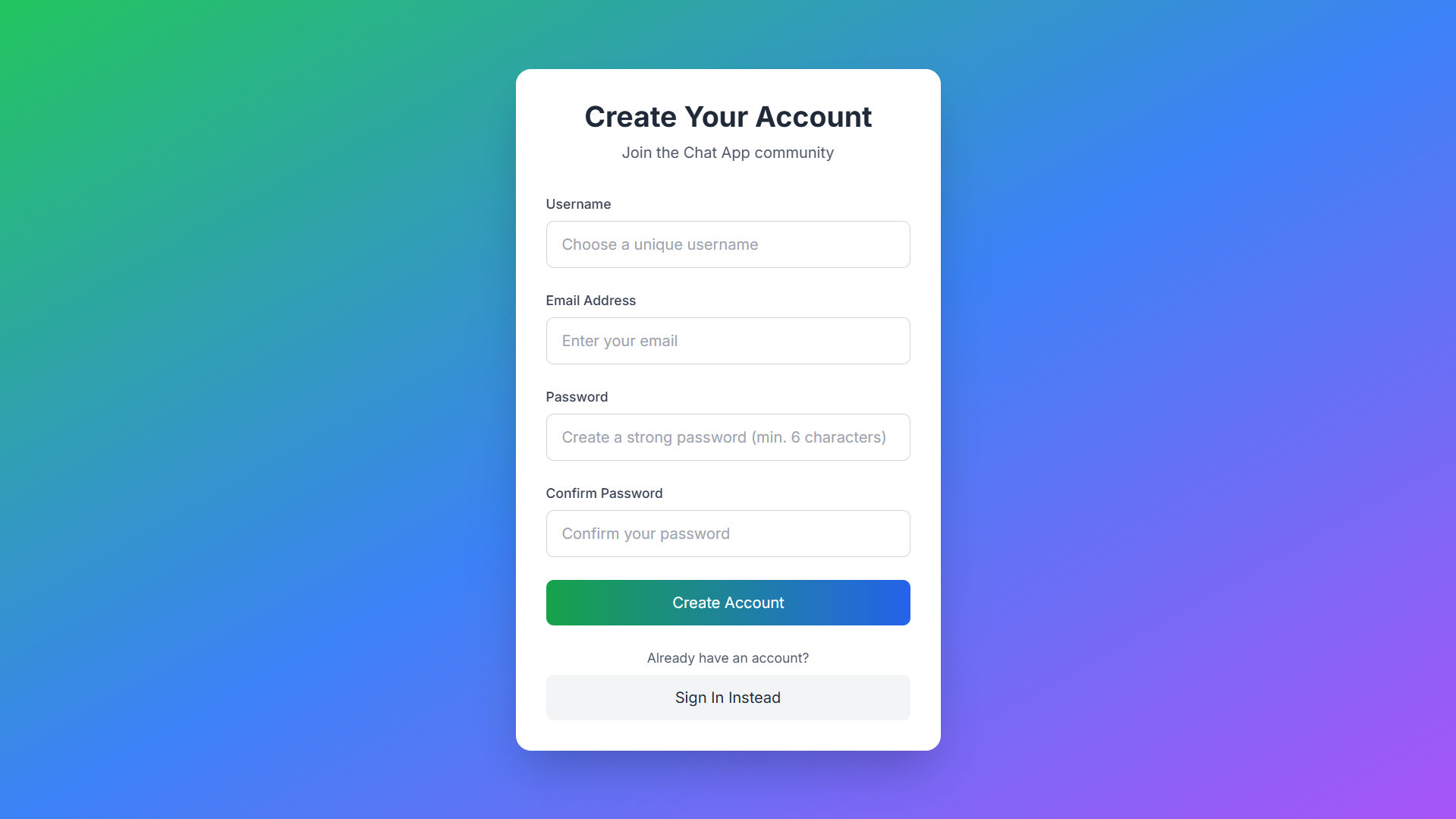
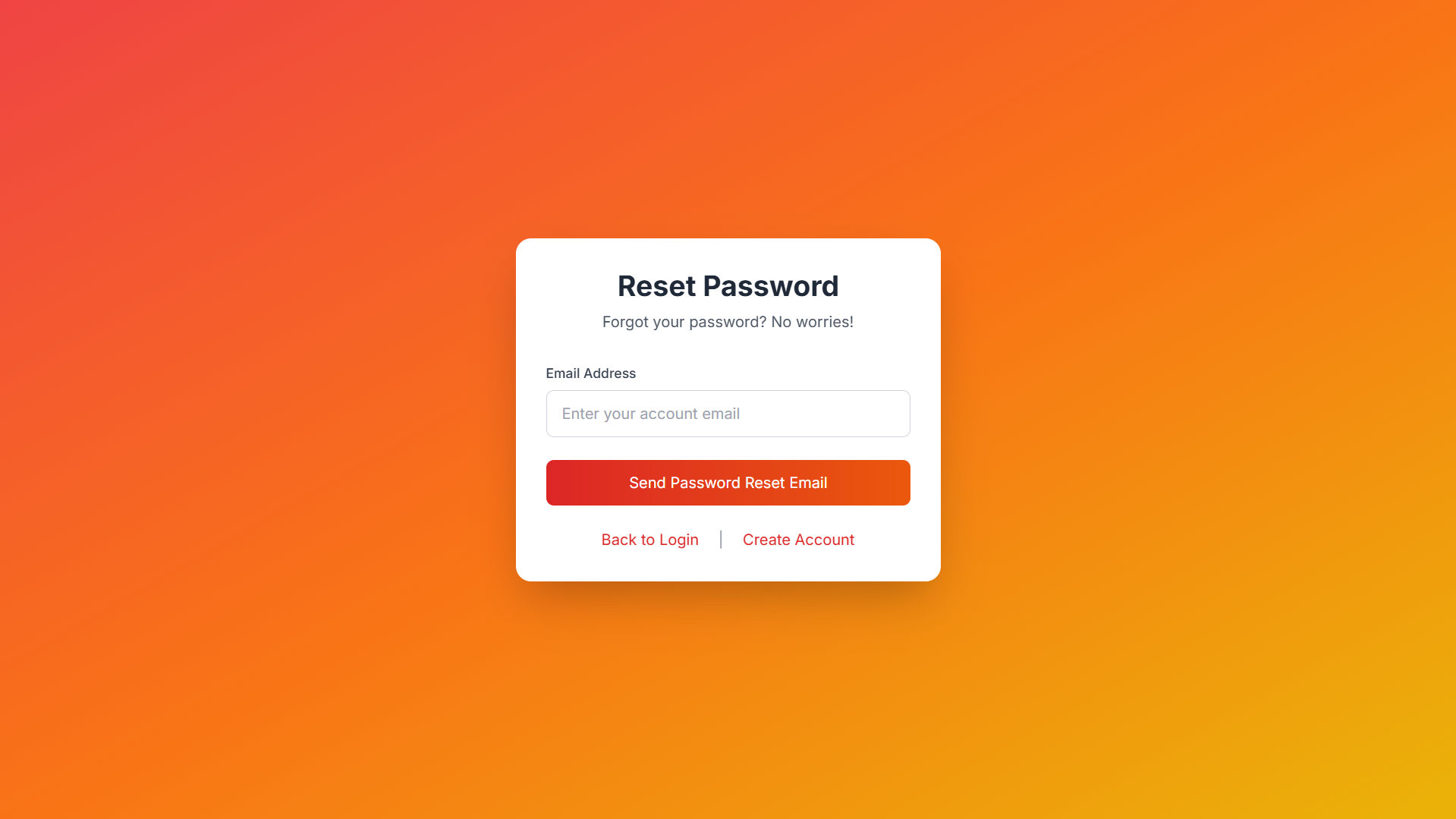
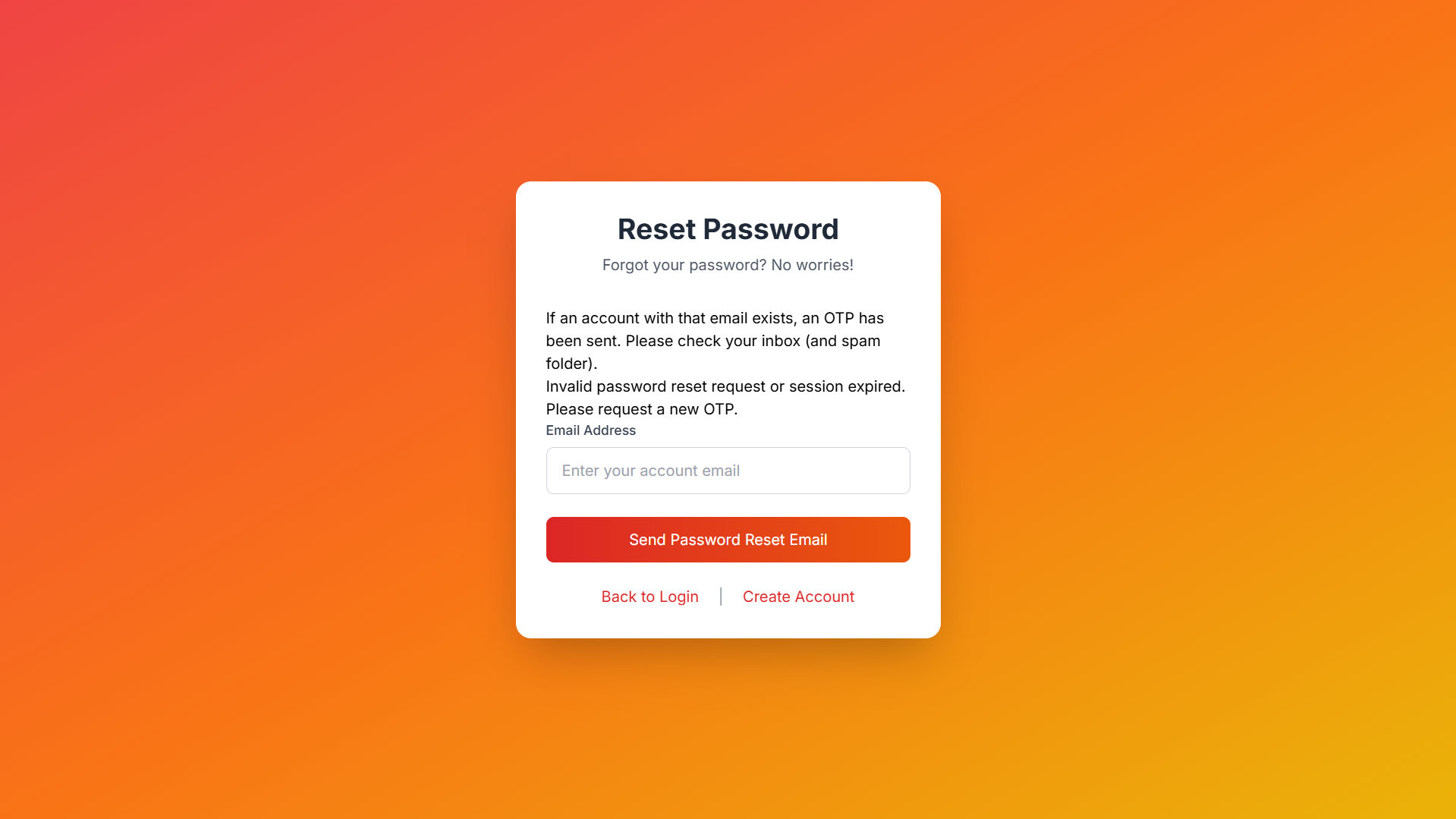
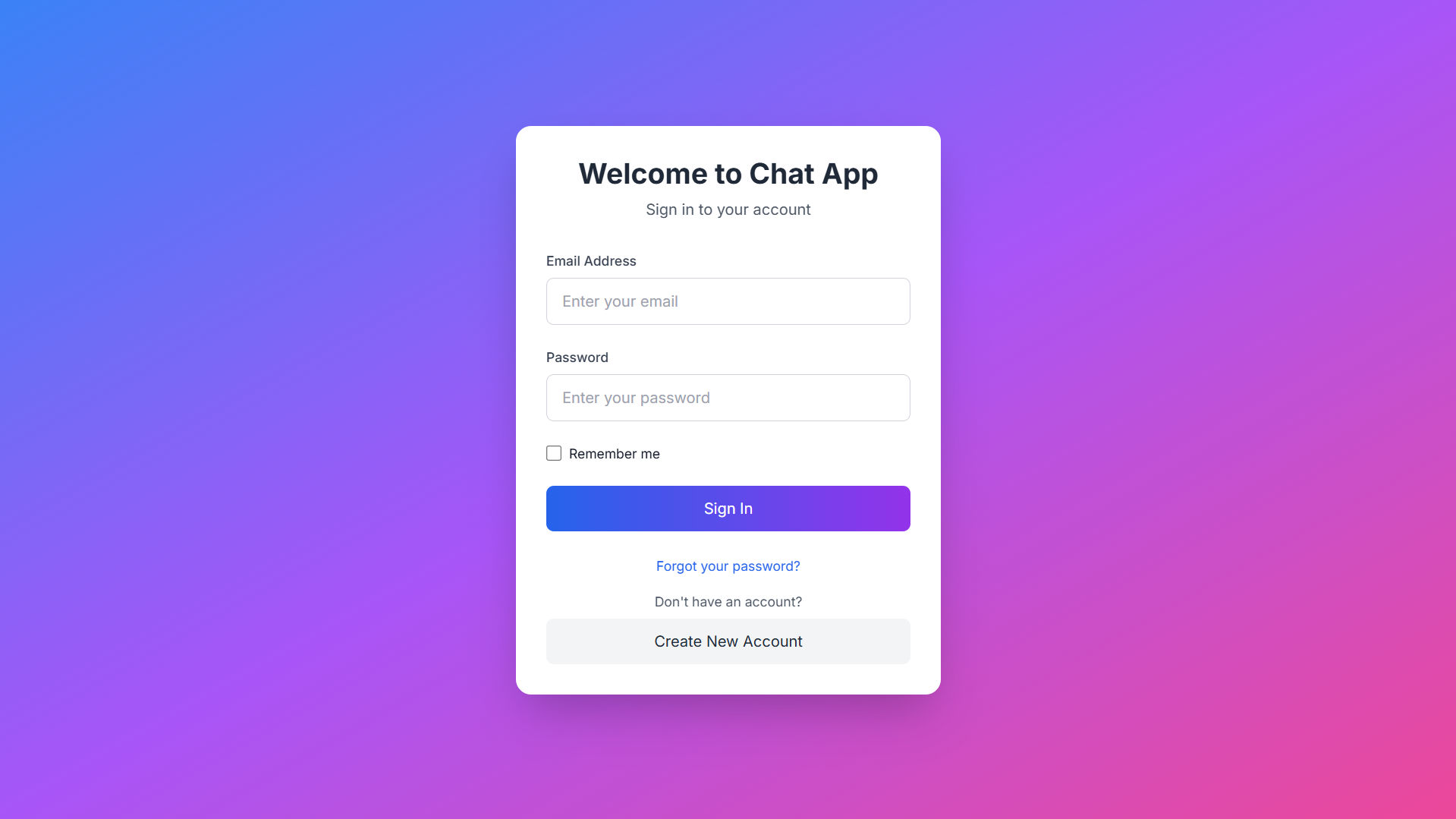
No User Authentication Currently, there is no login or registration system for users.
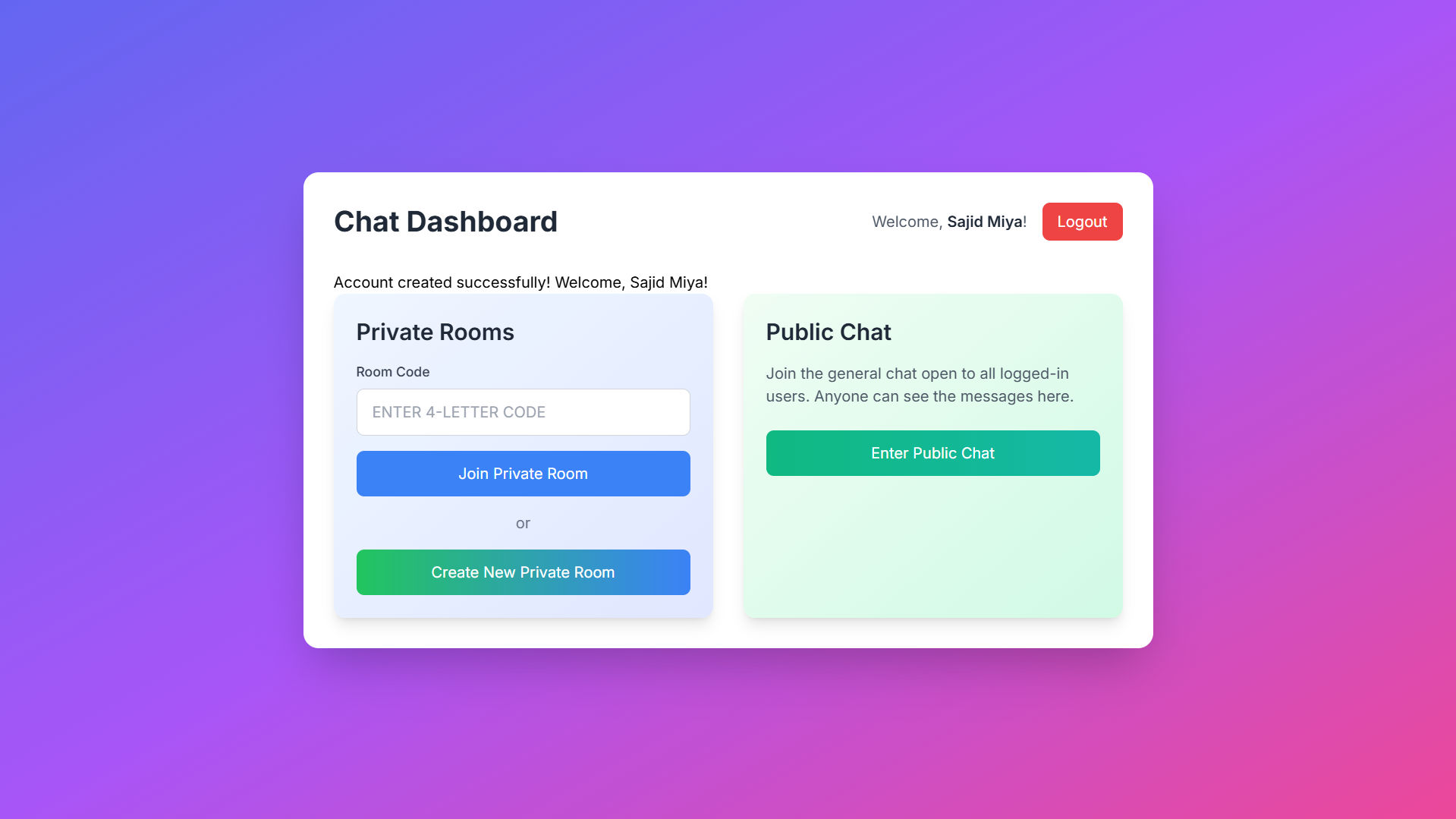
No Private Messaging All messages are broadcast to all connected users in the chat room.
Basic UI The user interface is simple and could be enhanced for a better user experience.

future enhancements

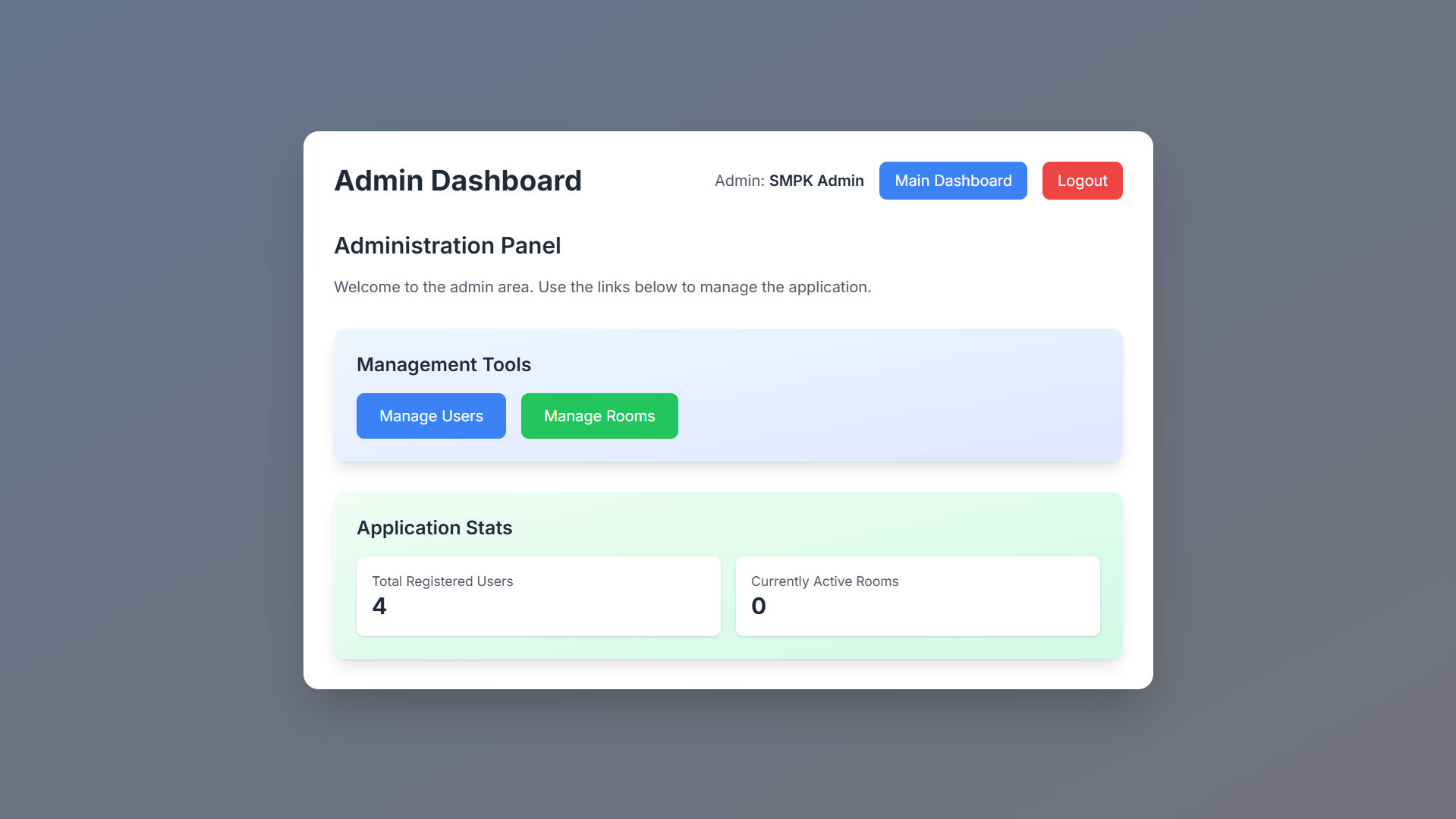
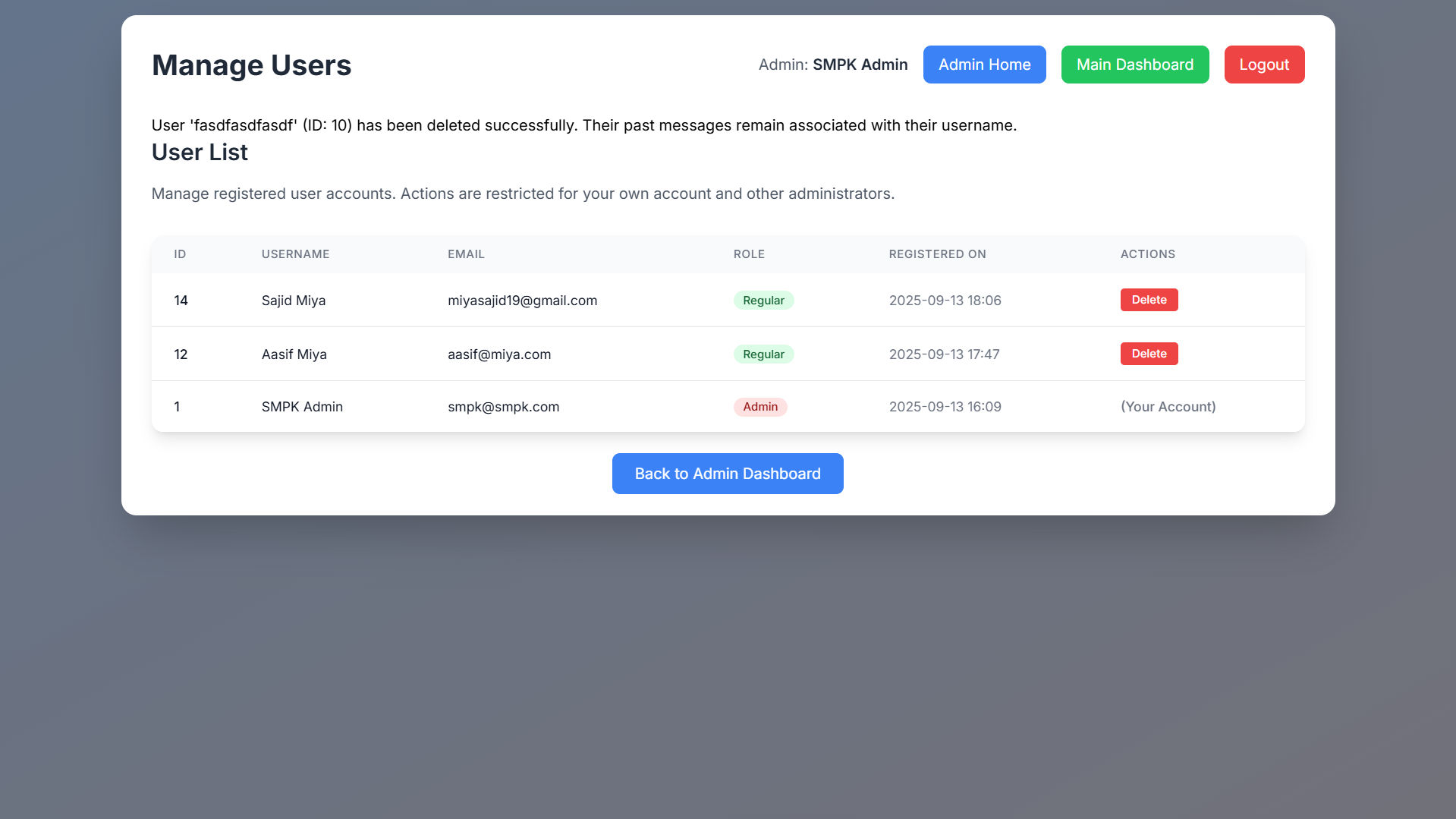
Add User Authentication Implement login and registration functionality for secure access.
Private Messaging Allow users to send messages to each other privately.
Improve UI/UX Enhance the design for better responsiveness and usability.
Message History Add functionality to save and view past conversations.
File Sharing Enable users to send files, images, or videos through the chat platform.

installation

Ensure Python 3.x is installed on your system.
Install Flask and Socket.IO using pip install flask flask-socketio.
Clone the repository git clone https://github.com/miyasajid19/ChatApp.git.
Navigate to the project directory and run the Flask app using python app.py.
Open your browser and access the app at http //127.0.0.1:5000.

usage

Run the Flask server to start the chat application locally.
Open the app in your browser and start chatting by sending messages.
Messages are broadcasted to all connected users, and users' names are displayed next to their messages.
Messages are automatically scrolled to the bottom as new messages arrive.

contributing

Fork the repository on GitHub.
Clone the forked repository to your local machine.
Create a new branch for your changes or features.
Commit your changes with clear messages detailing the improvements or fixes.
Submit a pull request for review and merging into the main repository.

interfaces

1 / 10