Project Detail

AI-Powered ASL Translator

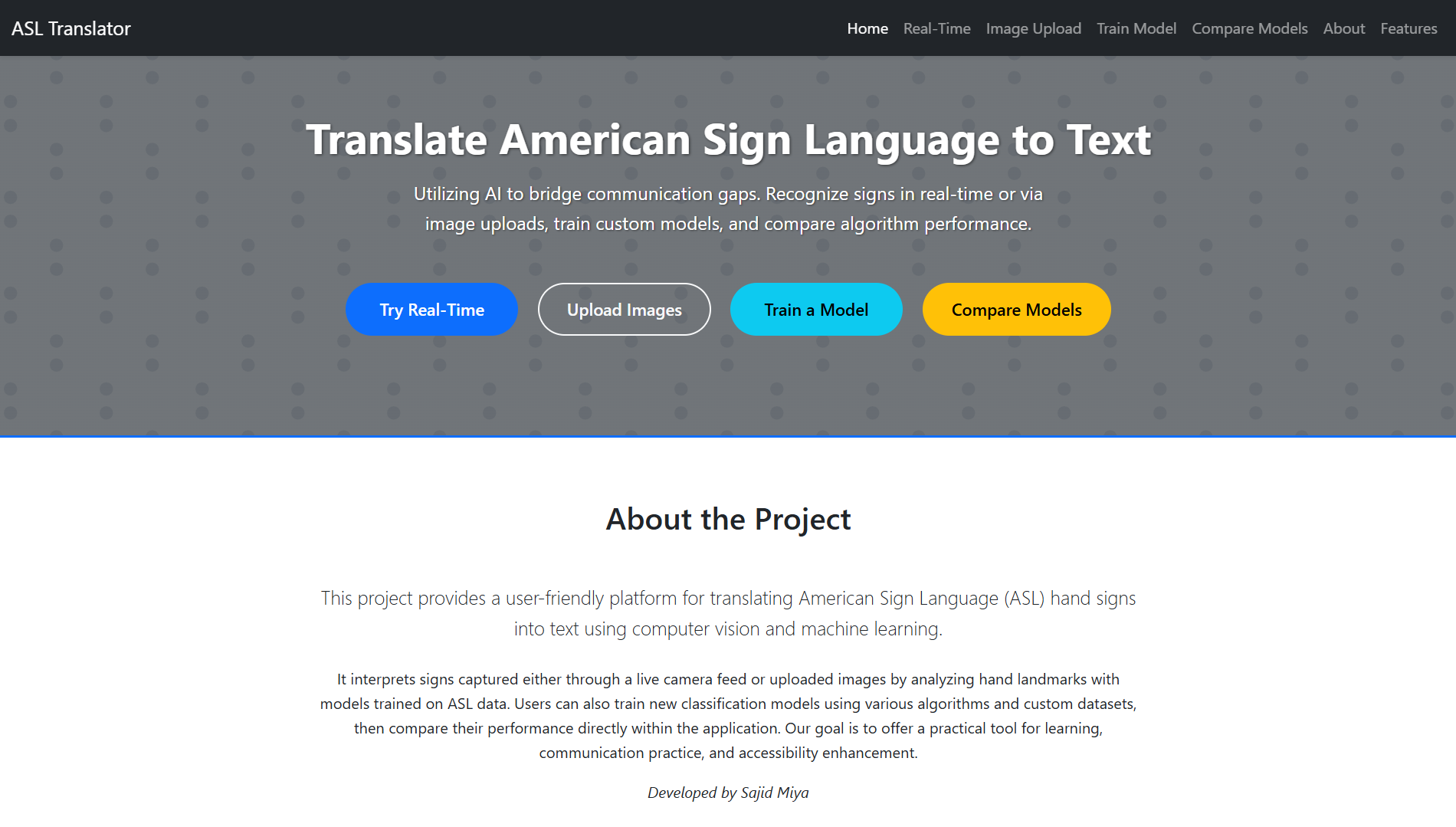
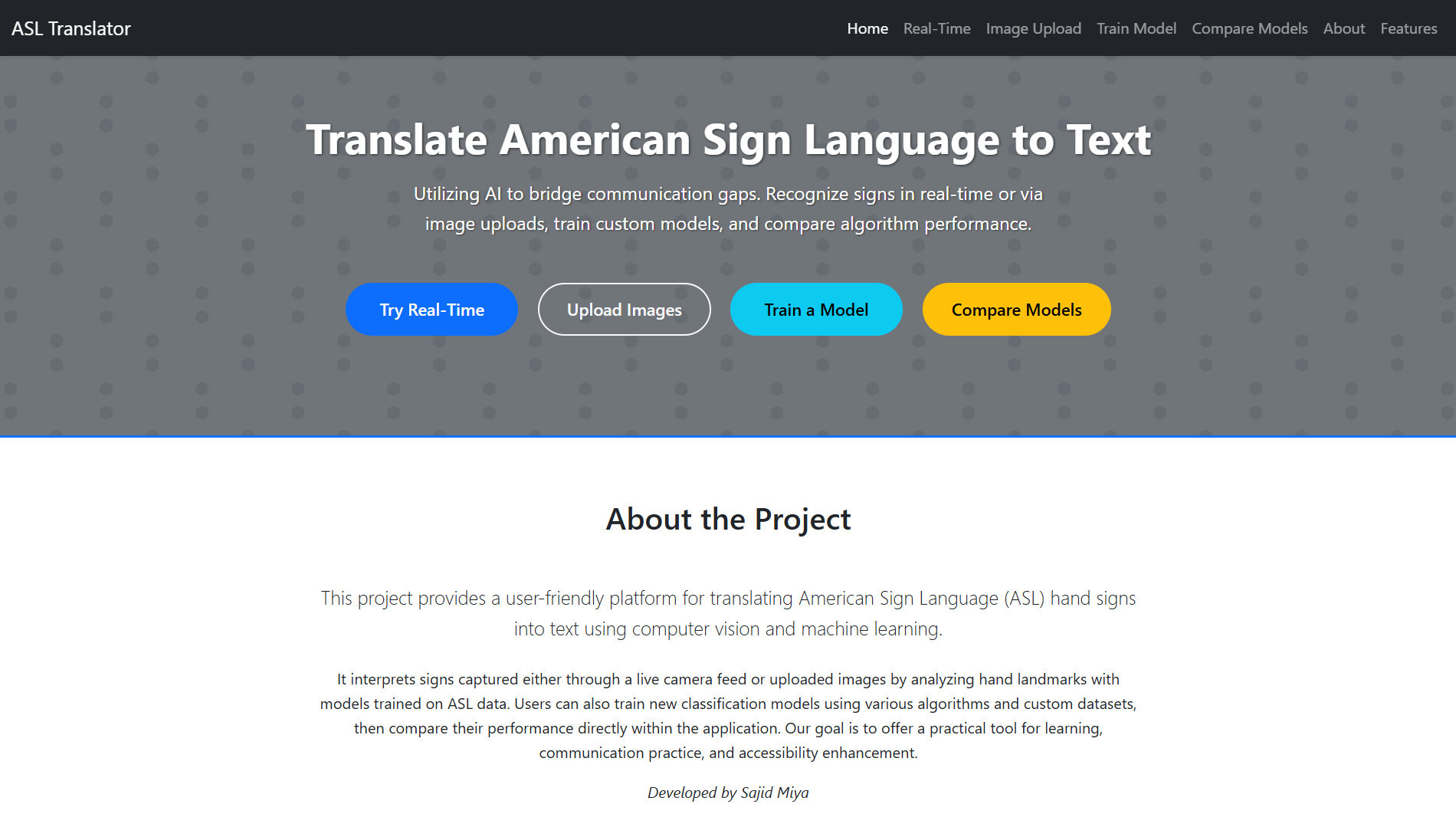
Translate American Sign Language into text using AI — real-time via webcam or through uploaded images. Train and compare ML models easily with a beautiful web interface. Bridging the gap between silence and speech using Computer Vision and Machine Learning.

AI-Powered ASL Translator

features

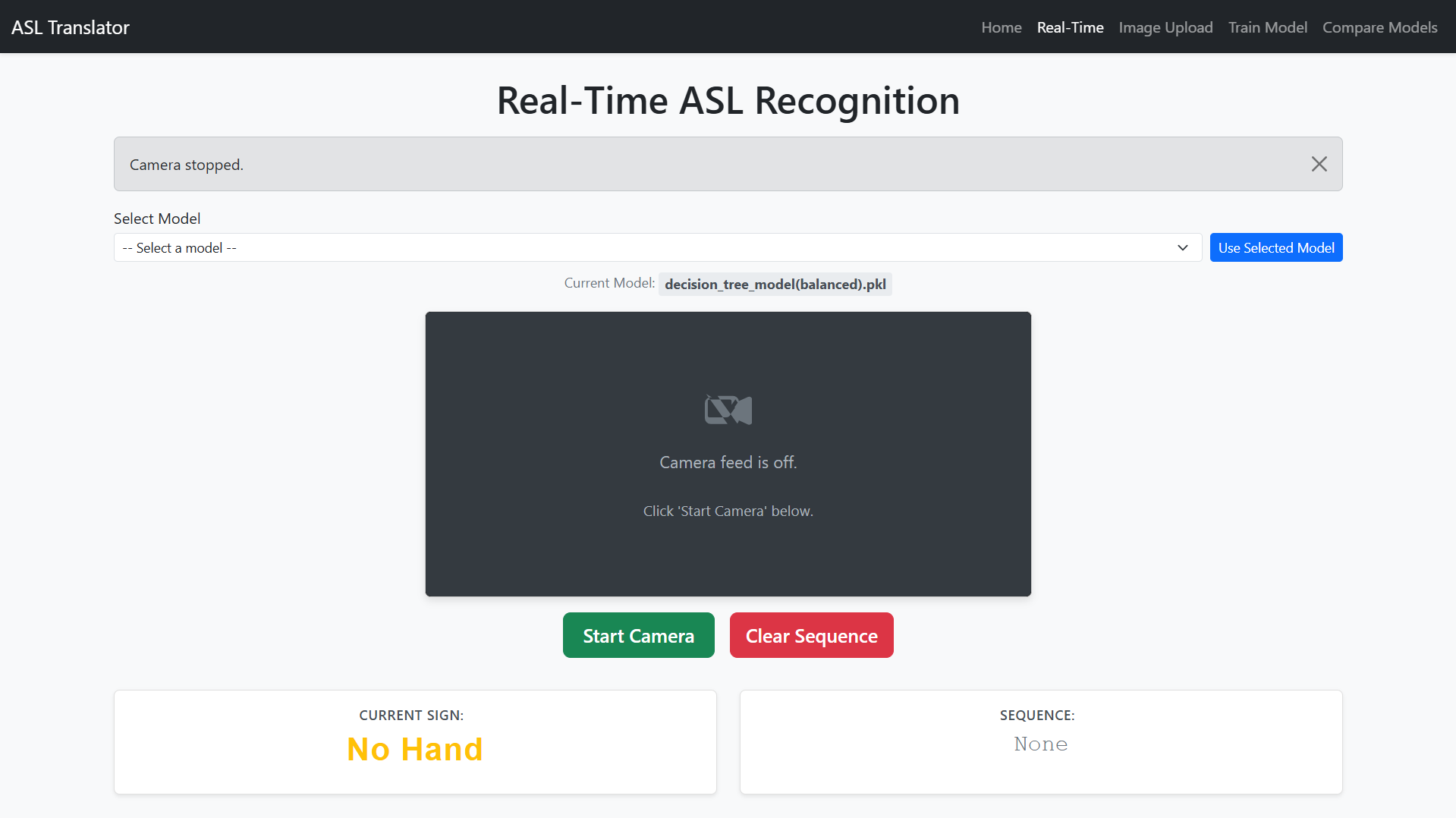
Real-Time Translation Translate ASL signs via webcam using MediaPipe + Scikit-learn.
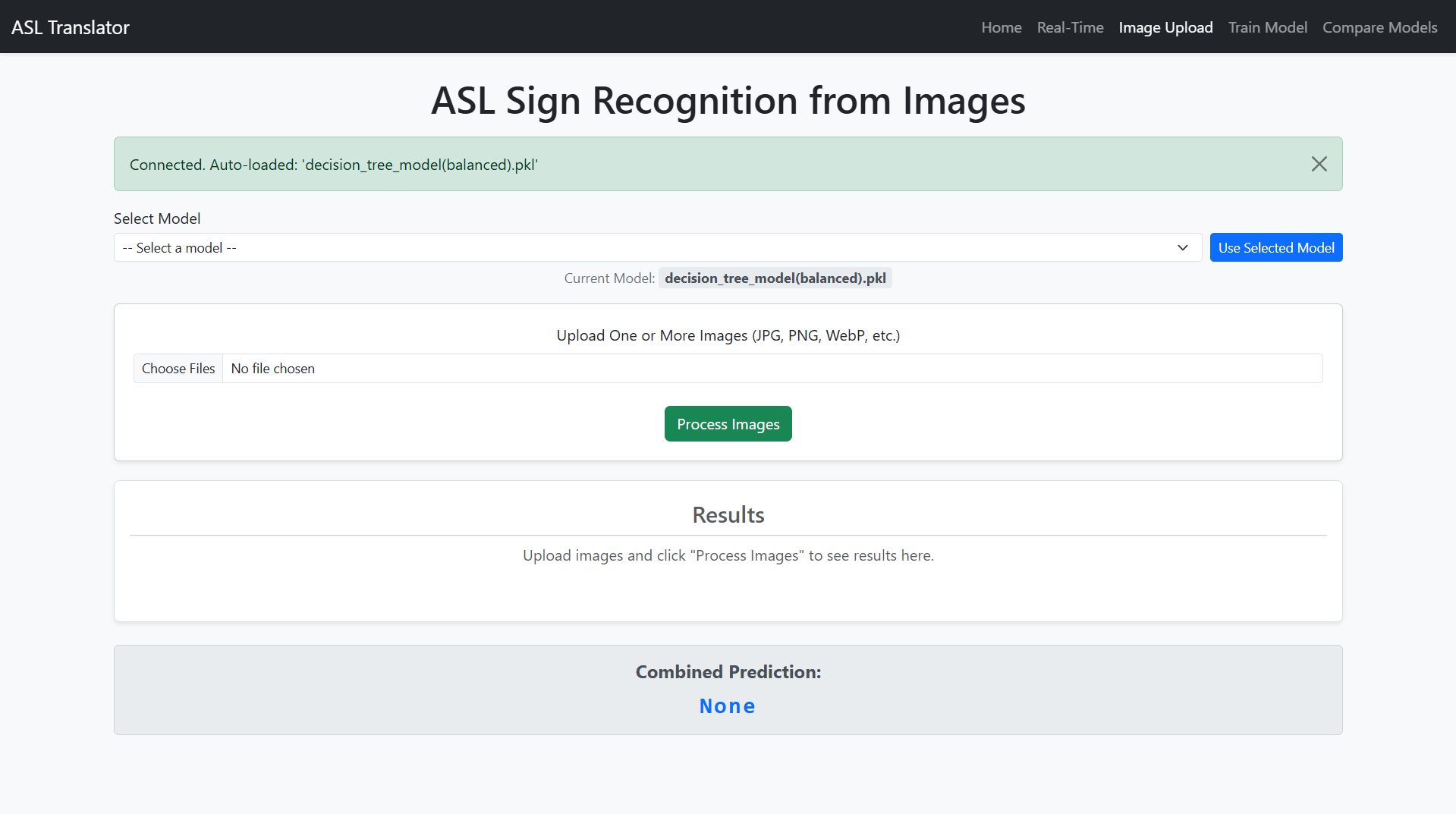
Image-Based Detection Upload multiple images and recognize ASL signs with your trained model.
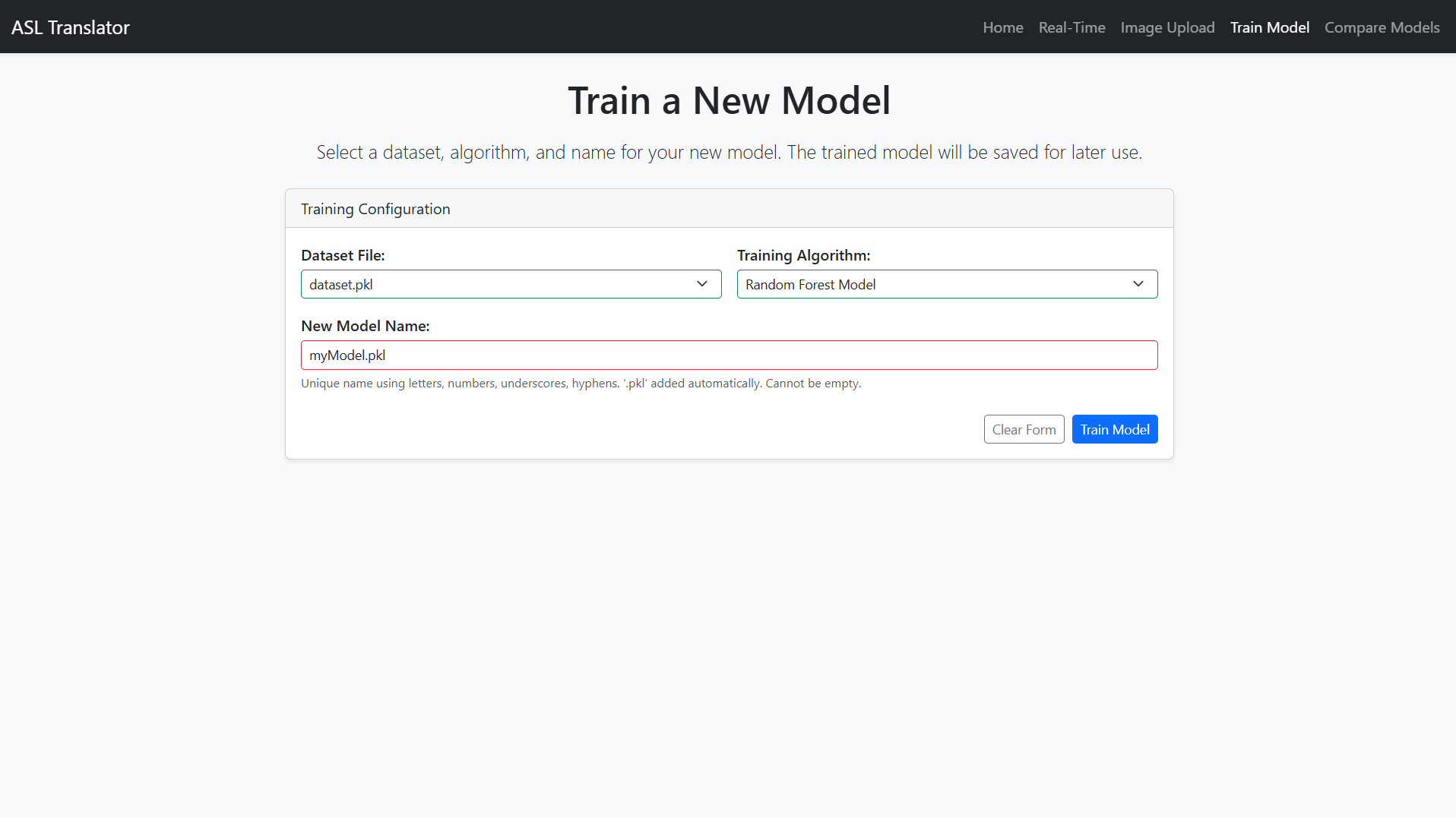
Train Custom Models Choose from ML classifiers like Random Forest, SVM, Logistic Regression, etc.
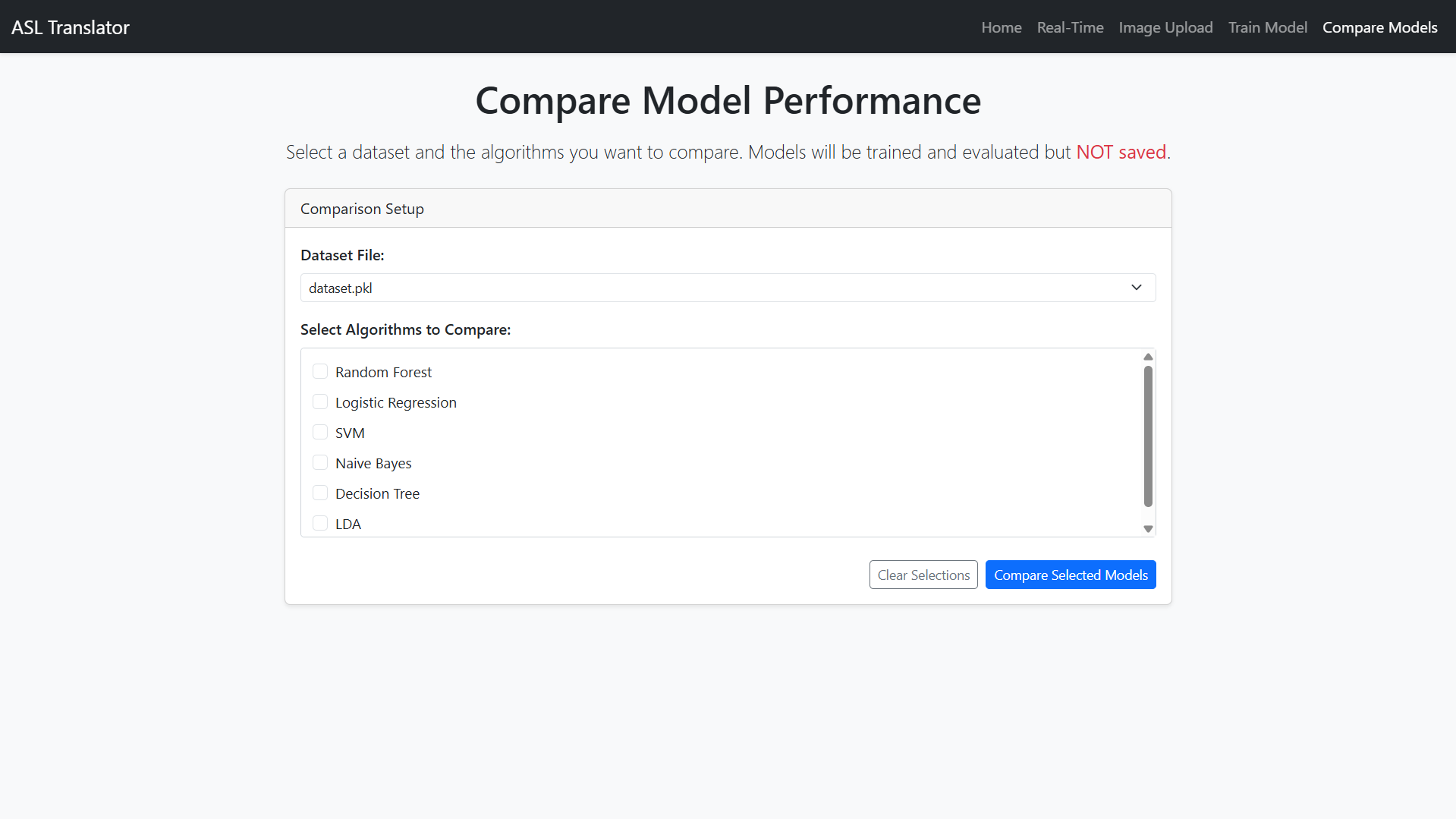
Compare Algorithms Evaluate multiple classifiers on the same dataset with interactive visualizations.
Insightful Charts Built-in Plotly and Chart.js integration for data insights.
Modular Design Easy to extend or modify any component — backend, models, or UI.
applications

Accessibility Tool Assist deaf and hard-of-hearing individuals in communicating through sign language translation.
Educational Platform Teach ASL by providing real-time feedback and model training.
Research and Development Compare machine learning algorithms for gesture recognition tasks.

current limitations

Limited to Static ASL Signs Does not support dynamic or continuous sign recognition.
Dependency on Webcam Quality Performance may vary with lighting and camera resolution.
Dataset Dependency Requires pre-existing datasets for training; no built-in dataset creation.

future enhancements

Dynamic Sign Recognition Implement word-level or sentence-level translation.
Dataset Creation Module Add tools for users to create and annotate their own datasets.
Docker Deployment Support Enable containerized deployment for easier scalability.
Speech Output Integration Incorporate Text-to-Speech (TTS) for audio feedback.
Mobile App Version Develop a mobile application for on-the-go translation.

Technologies Used

Backend Python 3.8+, Flask + Flask-SocketIO, OpenCV, MediaPipe, Scikit-learn, Pandas, NumPy
Frontend HTML, CSS (Bootstrap 5), JavaScript (jQuery, vanilla), Plotly.js, Chart.js, Socket.IO Client
Deployment Render (Cloud Platform)

system architecture

Presentation Tier (Client-Side) Web interface for real-time webcam feed, image uploads, model training, and comparisons using HTML, CSS, JavaScript, and charting libraries.
Application Tier (Server-Side) Flask application handling HTTP requests, Socket.IO for real-time communication, model training with Scikit-learn, and hand landmark detection via MediaPipe and OpenCV.
Data Tier (Storage) Local file system for storing datasets (.pkl files) and trained models (.pkl files); no database required for core functionality.

installation

Ensure Python 3.8+ and pip are installed.
Clone the repository git clone https://github.com/miyasajid19/ASL-Translator.git
Navigate to the project directory cd ASL-Translator
Create and activate a virtual environment python -m venv venv; source venv/bin/activate (Linux/macOS) or venv\Scripts\activate (Windows)
Install dependencies pip install -r requirements.txt
Set up SECRET_KEY environment variable export SECRET_KEY='your_random_secure_key'
Run the app python main.py
Access at http //localhost:5000

usage

For Real-Time Translation Navigate to /RTP, select a model, start webcam, and perform signs.
For Image Processing Go to /ImageProcessing, upload images, and view predictions.
For Training Visit /train, select dataset and algorithm, train model, and save it.
For Comparison Use /compare to evaluate multiple algorithms on a dataset.

contributing

Fork the repository on GitHub.
Clone your forked repository git clone https://github.com/miyasajid19/ASL-Translator.git
Create a new branch git checkout -b feature/your-feature-name
Make changes and commit git commit -m 'Add your feature'
Push to your branch git push origin feature/your-feature-name
Submit a pull request for review.

interfaces

1 / 5